| Layer Level | 
|

|

|

|

|

|
The Layer Level field controls the depth at which the contents of the current element will appear on the page layout. Click the drop-down button and select the desired depth, from 0 to 9.
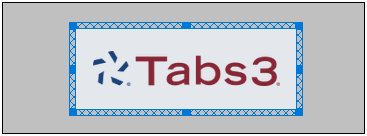
The top layer level is represented by 0, and the bottom layer level is represented by 9. For example, suppose two elements occupy the same space on the page layout. The image below illustrates that the element with the lower layer level property will cover the element with the higher layer level property, wherever they intersect. In the example, the Tabs3 logo has a layer level of 4, whereas the gray rectangle has a layer level of 5. As a result, the logo prints over the top of the rectangle.
 ) are registered trademarks of Software Technology, LLC.