| Statement Designer Select Color Dialog Box | 
|

|

|

|

|

|
The Select Color dialog box in the Statement Designer is used to select the Background
Color and the Foreground
Color for various elements.
Clicking  in either field opens the Select Color dialog box, illustrated below.
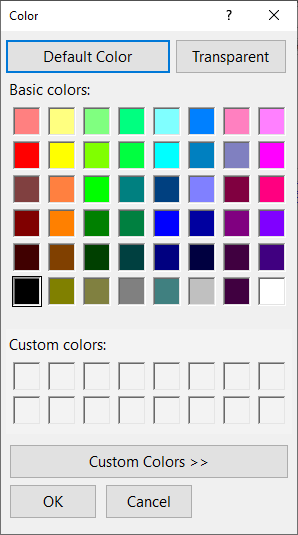
Select a color from the Basic colors section and click OK, or click Custom Colors to open the custom colors section and mix your own color from scratch.
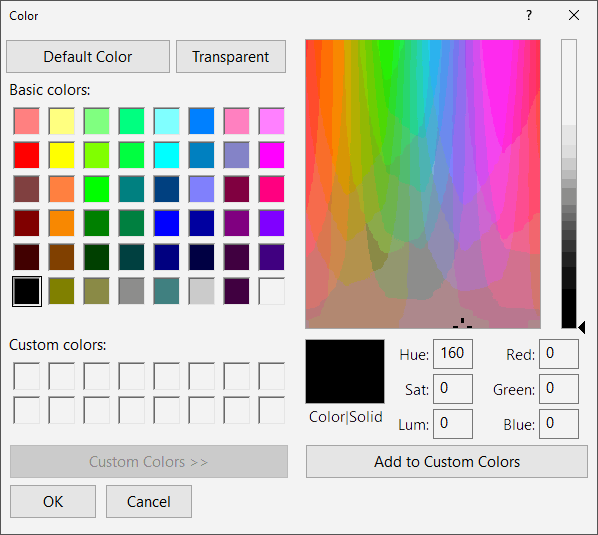
Additional context sensitive help is available by clicking  and then clicking the item about which you need more information.
 ) are registered trademarks of Software Technology, LLC.